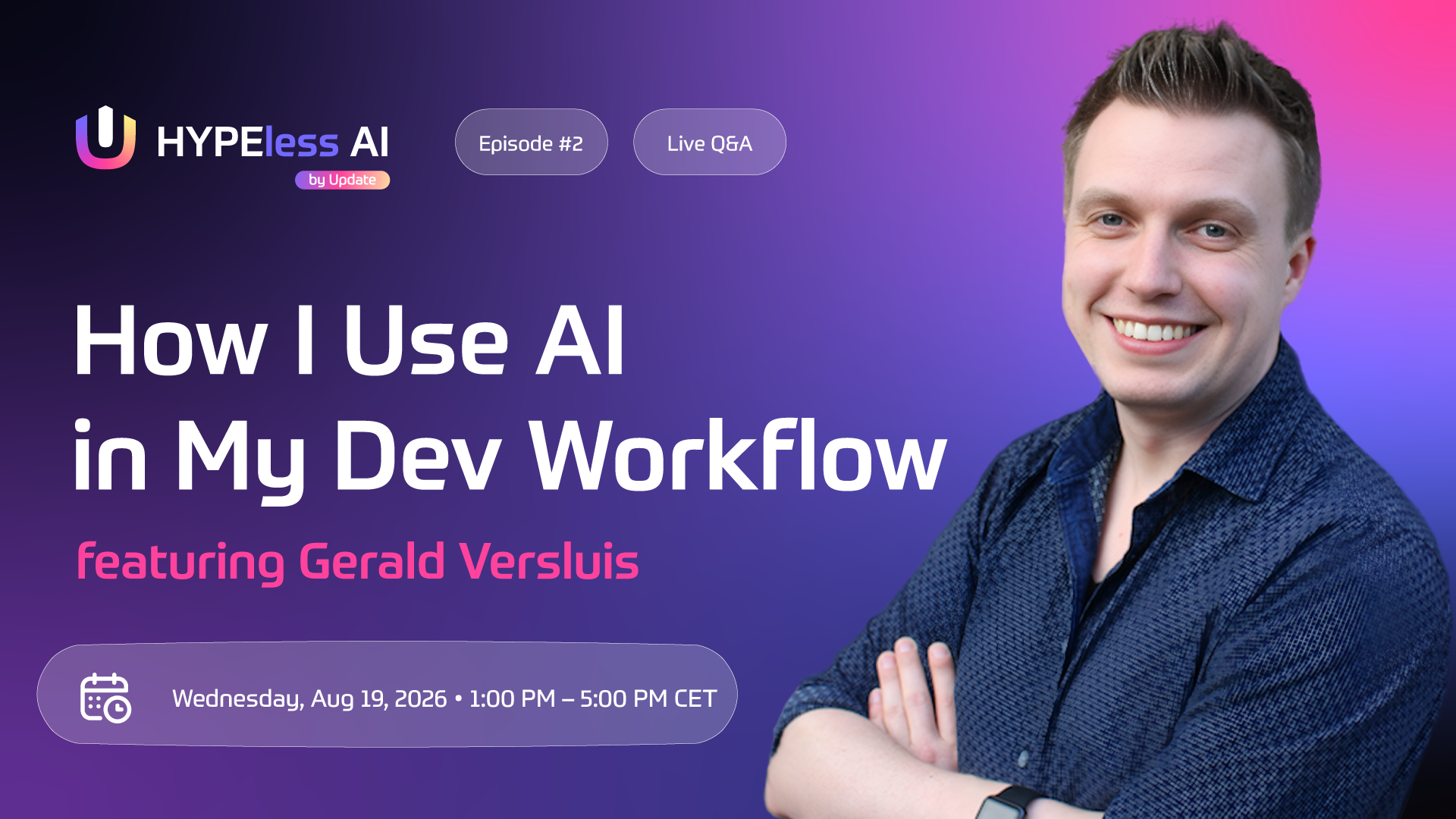
In the second episode of Hypeless AI, I invited Gerald Versluis, a software engineer at Microsoft working on .NET MAUI, to show how AI fits into his everyday work. The interesting part wasn't just asking an agent to write code. It was everything around it: understanding an issue, getting a reproduction running, preparing a specification, checking a fix, and moving a pull request through review.
Gerald approached the session as a working developer rather than a presenter with a polished slide deck. He opened repositories, showed existing conversations, and started work that continued in the background while we discussed other things. That made the episode a useful look at the workflow behind the demos—not just the moment when an agent produces something impressive.
From skepticism to useful delegation
Gerald wasn't always convinced. He described earlier tools that could get a task roughly 80% of the way there, but left him spending so much time on the remaining work that starting from scratch might have been easier. For him, November 2025 was a turning point. Better models helped, but so did learning to give the agent clearer instructions and the right context.
In the Q&A, he explained one of his personal benchmarks: replacing the implementation behind the Xamarin.Forms MessagingCenter API with one using WeakReferenceMessenger. He already had an interface and existing unit tests. The task was to keep the interface, leave the tests unchanged, and build a replacement implementation that passed them.
An earlier attempt failed. When he revisited the same problem later, the agent produced a working library. There were still compatibility issues to address, including differences around duplicate registrations. The lesson wasn't that passing tests proves everything is correct. It was that a concrete contract and existing tests make a much better assignment than a vague request to build something.
The expensive part of a bug isn't always the fix
One of the most useful examples was the work that happens before a developer changes a line of code. In a cross-platform project, investigating an issue can mean downloading a reproduction, sorting out SDKs, getting it to build, deploying it, and checking whether the same problem occurs on another platform.
Gerald described delegating much of that preparation to Copilot. If an issue includes a reproduction, the agent can help get it running and investigate the reported behavior. If there isn't one, he can ask it to read the issue and try to create a reproduction first.
That changes where the developer spends time. Instead of doing every setup step manually, Gerald can review the prepared environment and the proposed diagnosis. The useful output is not just a patch; it's a reproducible problem and evidence that helps someone evaluate the patch. He also stressed that code downloaded from someone else's repository still needs to be treated with care.
Higher throughput needs context
Gerald showed the team's Agentic Engineers dashboard, with pull-request activity across .NET MAUI and related repositories. He described monthly merged-PR counts rising from roughly 400–500 in stronger earlier months to around 800, with one month reaching approximately 1,000. He also recalled the MAUI repository having a backlog of roughly 750 open pull requests at its peak.
These were figures discussed during the session, not a promise that adding an agent doubles every team's productivity. Gerald explained that the team had also invested in the infrastructure that lets agents work effectively. More generated code alone wouldn't solve the problem if reproduction, validation, and review remained bottlenecks.
He gave a more tangible example: a bug reported on Reddit that the team fixed within about 24 hours and merged within about 48 hours. It's an individual case, but it illustrates the outcome that matters to users: less time between reporting a problem and getting a usable fix.
One issue, one focused session
In the second part, Gerald showed how he organizes work in the GitHub Copilot desktop app. His usual unit of work is straightforward: one issue or one pull request gets its own session. Repository-related sessions stay separate from general conversations.
He also showed parent and child sessions. In one example, a separate session investigated whether changes being considered for one .NET branch were also needed on another. The child session returned a report to the requesting session without pushing or posting anything. On a personal project, he used an orchestrator session to coordinate separate investigations of several issues.
The point wasn't to launch as many agents as possible. It was to keep unrelated problems from becoming one enormous conversation. A focused session is easier to steer and makes it easier to understand which conclusions belong to which task.
There is a human limit too. Gerald said he can comfortably handle only two or three sessions at once, because switching between them is tiring. Running one session at a time can still be useful. Parallelism is an option, not a requirement.
Specifications are work worth delegating too
Another task running during the show was preparation of an animation-framework specification. It continued across the break and into the next part of the session. That was a good reminder that AI-assisted development doesn't have to start with implementation: investigating a feature and drafting a specification can also be valuable work.
Gerald discussed the credits being consumed and compared that expense with the time it would take him to do the investigation and write it up himself. The price conversion was approximate, so I wouldn't use the discussion as a pricing guide. The useful question was whether the output would save enough work to justify the cost—and it still needed to be evaluated before that could be answered.
PolyPilot: building a tool for the workflow you need
Before adopting the official desktop app, the team built PolyPilot, a .NET MAUI application for managing Copilot sessions. Gerald described it as a tool they used for a few months, built almost entirely with Copilot, and later archived.
One particularly interesting feature let a user describe a fix or enhancement from inside the application and start a Copilot session to work on it. The changes could then be merged into its repository. With its Blazor Hybrid interface, the app could reload to expose the updated functionality.
The live attempt to open the archived tool didn't work properly, which was a useful counterweight to the excitement. This wasn't a recommendation to rely on an unmaintained application. It showed a different possibility: building a small, temporary tool can be worthwhile even when a more polished product will eventually replace it.
Human review hasn't disappeared
In the Q&A, we spent time on how the team reviews AI-generated changes. Gerald described several layers: Copilot review, a separate reviewer, automated unit and UI/device tests, and manual regression checks before releases. Humans remain involved in the decision to merge, even when an agent carries out the action after approval.
The depth of his inspection depends on risk. A small, low-risk change with passing tests gets a different level of attention from a change affecting the core of MAUI. For larger changes, he asks the agent to prepare a running environment and a verification procedure, then checks whether those steps really cover the scenario and explores beyond the suggested script.
He also noted that the tests themselves deserve review. A green result is only useful if the test exercises the behavior that matters. I added that review is also about compatibility and maintainability—not just finding defects in the immediate implementation.
Gerald said the team was seeing more regressions in absolute numbers alongside higher throughput, but not a higher regression percentage. He was clear that maintaining that percentage isn't the final goal; reducing it is still work to do.
Better context matters more than chasing every new tool
Gerald's prompting advice was refreshingly concrete. If you want a short answer, specify what short means—for example, five bullet points. Put the project's instructions in order, give the agent enough context to understand the task, and learn from attempts that don't work.
We also discussed where MCP can be useful. Gerald's view wasn't that every existing tool needs an MCP wrapper. He saw particular value in giving agents access to relevant internal business context: information in company systems that a general model can't infer from public knowledge or source code alone. That access still needs appropriate security boundaries.
He also warned about spending all your time following new AI releases instead of applying anything to your actual work. The useful test is whether a tool improves a real task—not whether it has just appeared in your feed.
Start with work you actually want to hand over
Gerald described a substantial shift in his own role: less manual implementation and more directing, evaluating, and coordinating work. But he wasn't telling everyone who enjoys writing code to stop. His suggestion was to delegate the parts you don't want to spend time on and keep doing the parts you enjoy.
That is probably the most practical starting point from this episode:
- Choose a bounded task, such as preparing a reproduction, investigating an unfamiliar part of the codebase, or drafting tests.
- Give it a clear contract: expected behavior, relevant context, constraints, and a way to verify the result.
- Keep the session focused rather than mixing several unrelated problems.
- Review in proportion to risk, including whether the tests prove what you need them to prove.
- Judge the outcome: time saved and useful work delivered, not lines generated or agents launched.
The second episode showed AI as part of a development process, not a replacement for having one. Gerald's enthusiasm was backed by concrete tasks, but also by unfinished work, compatibility fixes, testing, and human judgment. That's a much more useful place to start than another perfect-looking demo.