In the first part of the show, I was talking about how we use AI in real-world projects - what skills we use at RIGANTI, how we share them between multiple projects using git submodules, and others. I mentioned that we still have a couple of things we'd like to improve - the collection of skills may not be reused in all projects, and sometimes people add skills that are too opinionated - they should probably go to their user profile instead.
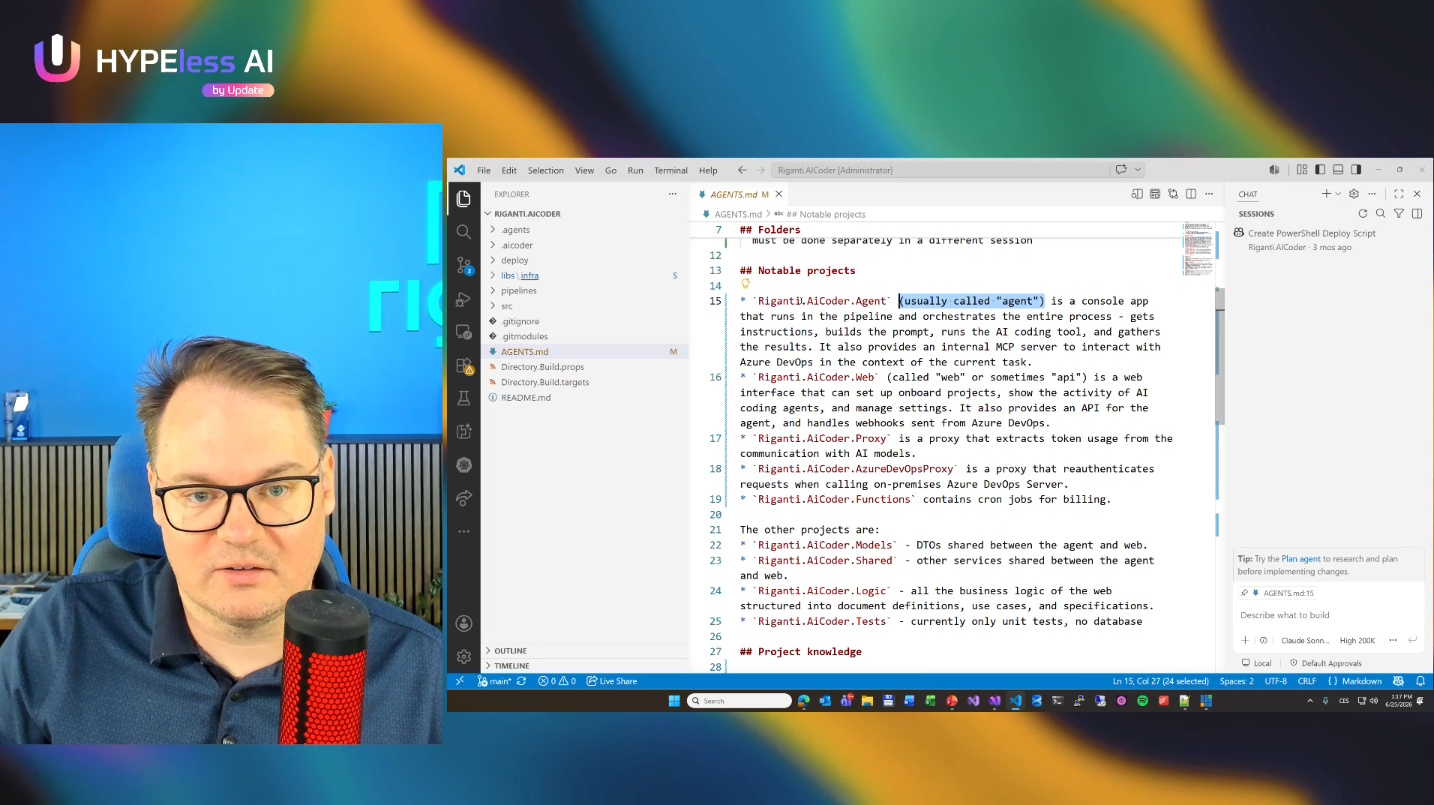
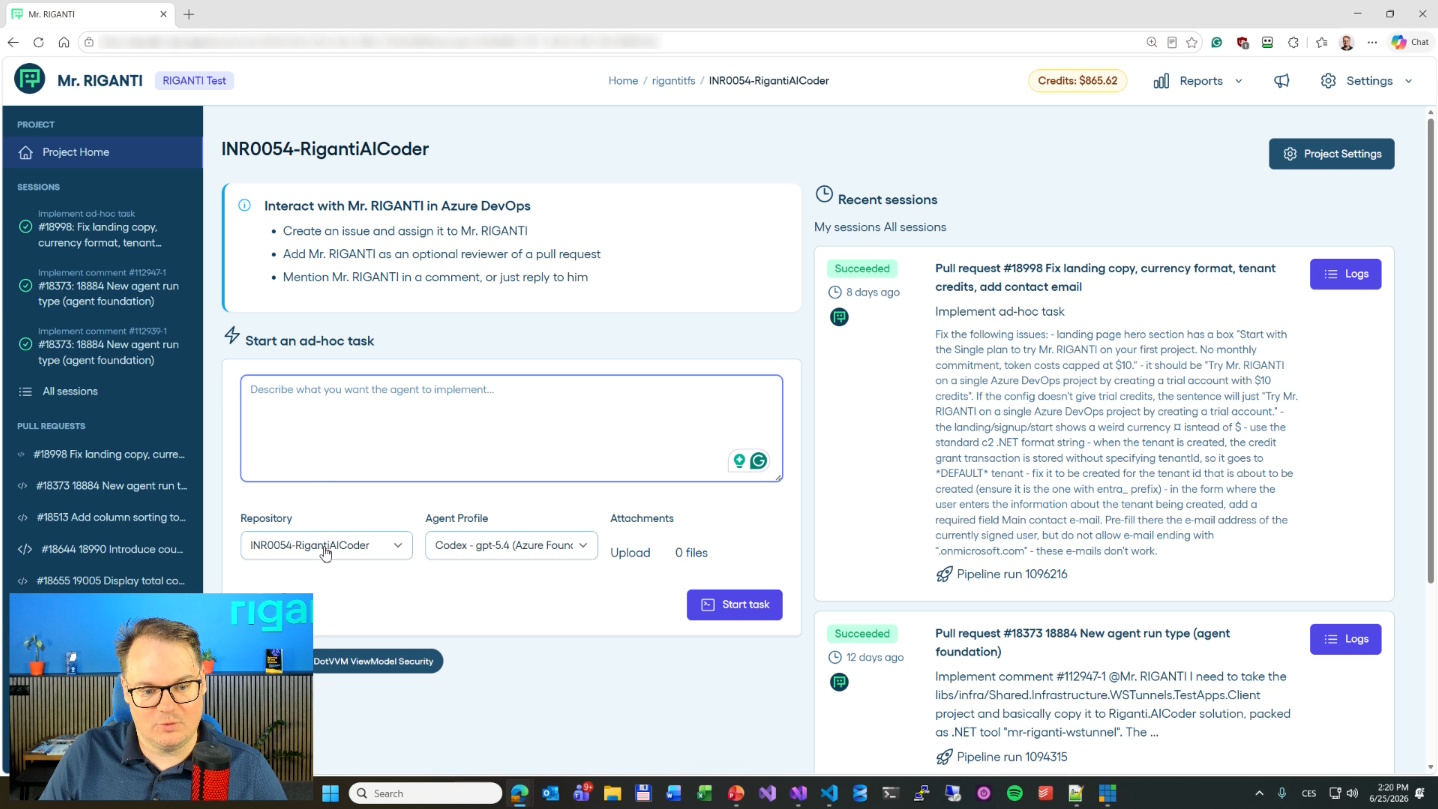
The second part was live coding - I was showing the codebase of Mr. RIGANTI, our SaaS product that adds an AI coding agent into Azure DevOps.
Implementing a complex feature
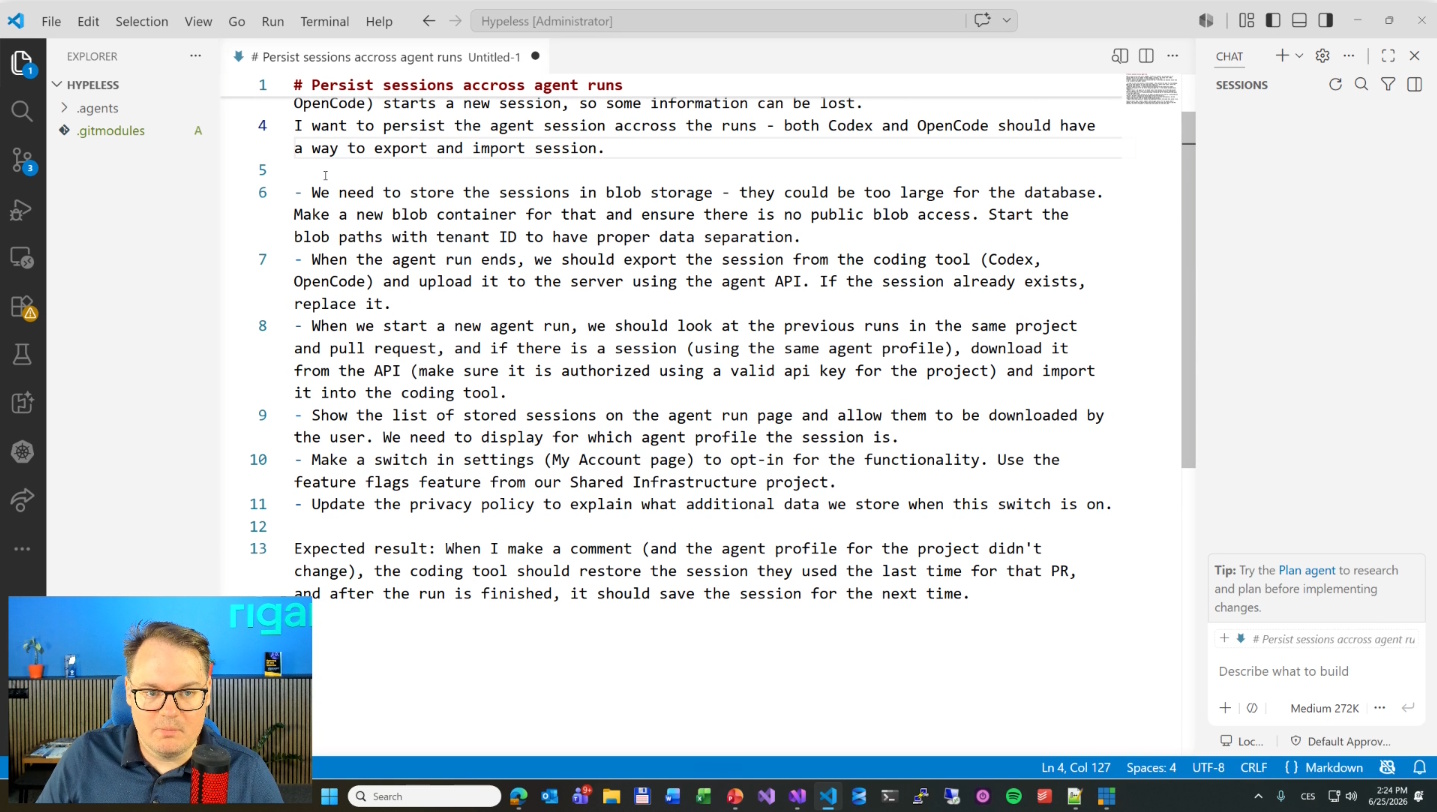
As a first example, I asked the agent to implement coding session persistence. When you ask Mr. RIGANTI to implement a task, he'll do it, but when you need to make any changes, he starts "from scratch". He gets the context of the pull request and all comments; he can look into the source code, but he may not have all the information from previous runs - especially the reasoning around things, search results, and the location of files he already spent tokens to find. Basically, I want him to export the session data - it's usually a JSON file with a log of actions and reasoning. When we ask for a follow-up task, he loads this session and knows about past decisions.
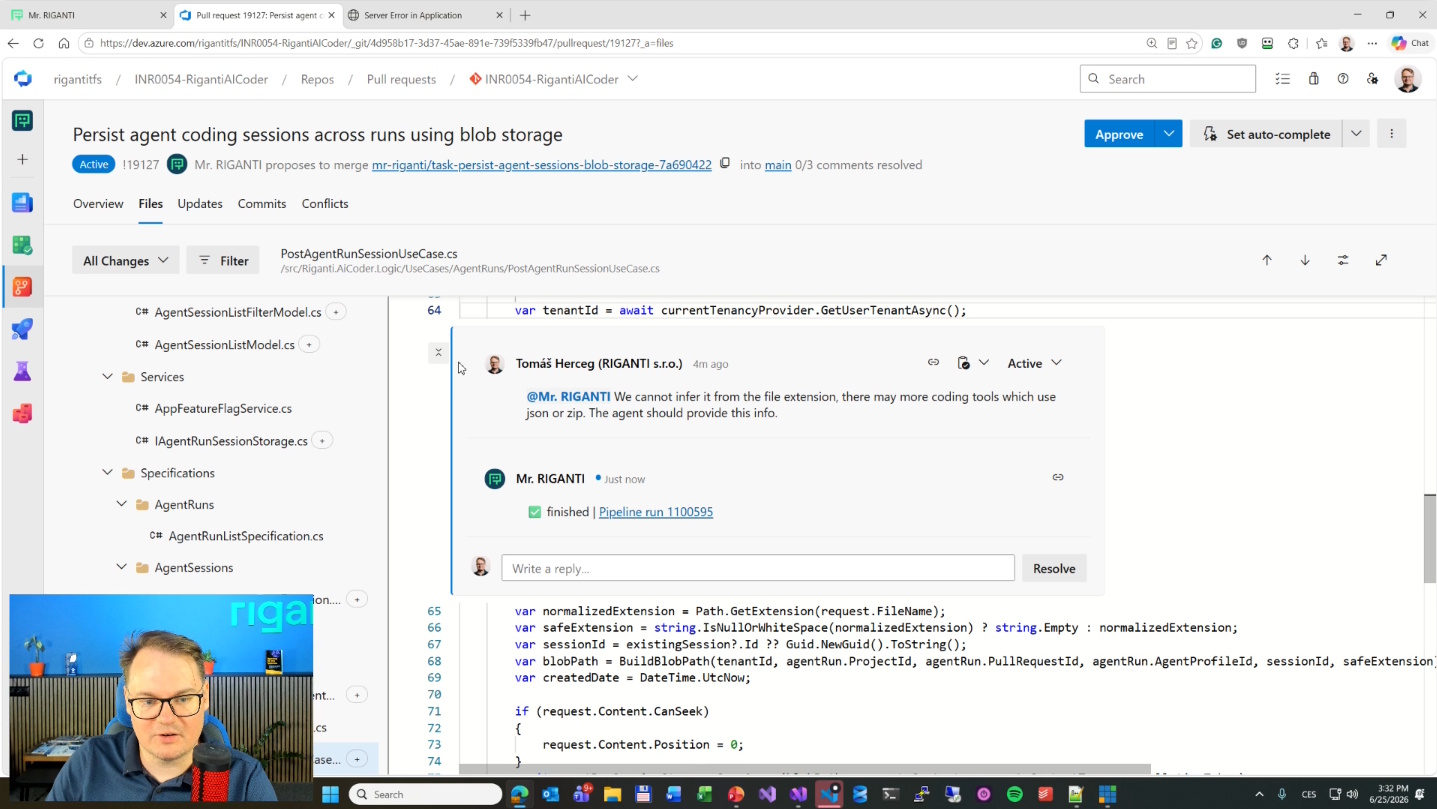
The feature is complex - it touches all layers of the web app and the agent. Mr. RIGANTI worked on that for ~30 minutes, and it cost $23 in tokens, which is one of the most expensive runs I've done (I usually try to stick to easier tasks). At first glance, it seems like a lot, but it was a change affecting almost 40 files across different parts of the codebase. I know the codebase and don't need to think much about what I need to do, but this would take me a couple of hours. If I assigned the task to someone else, I'd need to explain a lot, which would take extra time. My rough estimate is that it would take at least a full day to get to the point where AI arrived in those 30 mins.
The feature still needs a few turns, but the coding part is complete - I don't see anything missing. It just needs manual end-to-end testing and verification. Someone has to actually check whether the session is saved and whether it is correctly restored on the agent.
The important thing is that it's not vibe coding. I gave Mr. RIGANTI quite complex instructions, and I did the planning stage in my head, which required high-level knowledge about the project. For example, I instructed him that the sessions must be stored in Blob Storage, unlike other data we put in PostgreSQL. I expect the sessions will need a lot of space, and I don't want to unnecessarily burden the database. I also asked to separate blobs by tenant, so it will be easy to back up or delete a particular company's data.
Maybe I am too careful, and the model would figure these things out on its own. But if I didn't think of it first, I'd probably not verify it, and you cannot easily see it just by looking at the outcomes. This is the biggest danger of blind vibe coding without deep understanding: you can easily miss an important decision, and the model gets it wrong. Someone might argue that these things can be fixed easily, but I disagree with "easily". Once we have terabytes of data and many organizations onboarded, changing where things are stored is never easy. I don't advocate over-architecting three steps ahead, but I've learned that thinking one step ahead is very useful.
UI prototyping
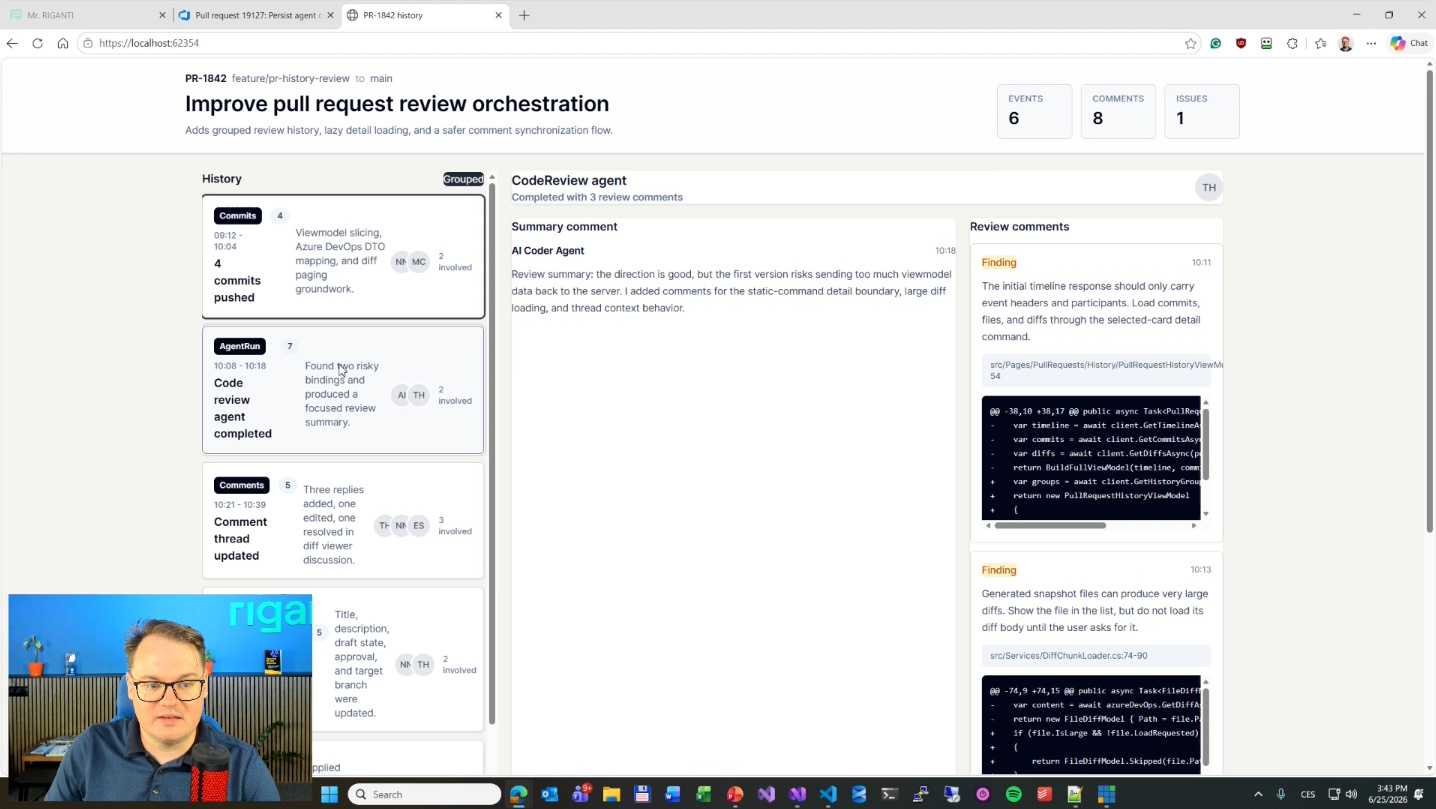
The second example was to design a completely new screen for Mr. RIGANTI. When I review longer pull requests with many changes and numerous comments, the experience in Azure DevOps is not great. Instead of seeing all the changed files and comments at the same time, I would appreciate some timeline where I could see the sequence of steps - these files were changed, code review was done with these outcomes, then someone looked at this and fixed the problem, and so on.
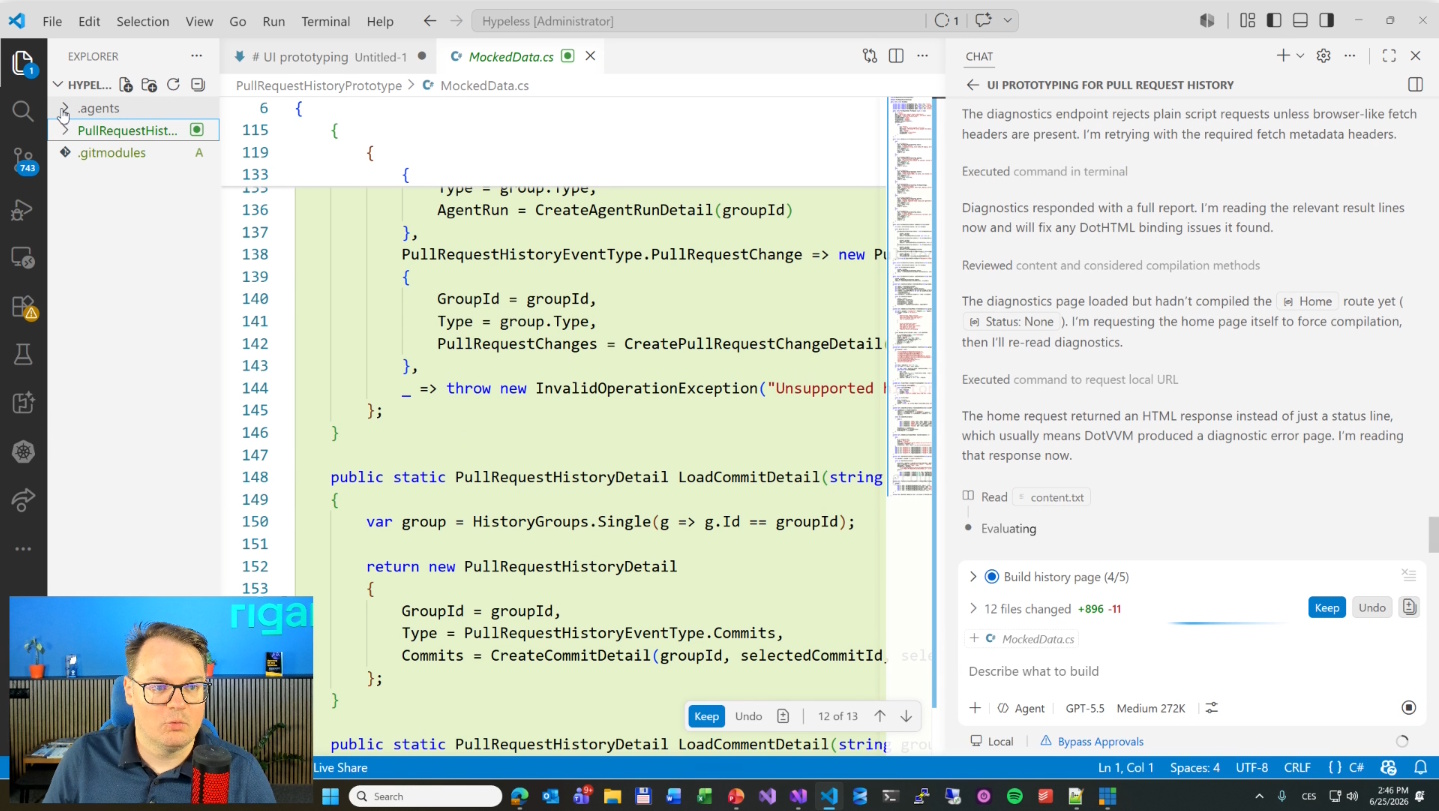
Because I didn't have a completely clear idea of exactly what I needed, I used my dotvvm-ui-prototyping skill and tried to make a prototype in a separate app - it asks the agent to create a new DotVVM project and build the user interface using the DotVVM Tailwind UI library, which leads to a consistent experience across all the screens. It instructed the agent to generate mock data rather than connect to Azure DevOps and integrate with the application's entire infrastructure. Instead, it could focus on UI design and deciding what the page would look like. I expected this would need many iterations until I was satisfied with the result.
I showed a nice feature of Visual Studio Code: you can open the page in the embedded browser, select an element, and provide it as context for the agent. It is much better than explaining "change the save button in the bottom left corner".
I also didn't have enough time to finish the feature, but I hope I succeeded in showing how I approach solving this kind of "prototyping" problem. Once I am happy with the screen, the next task is to move it into the real project and do all the necessary plumbing.